
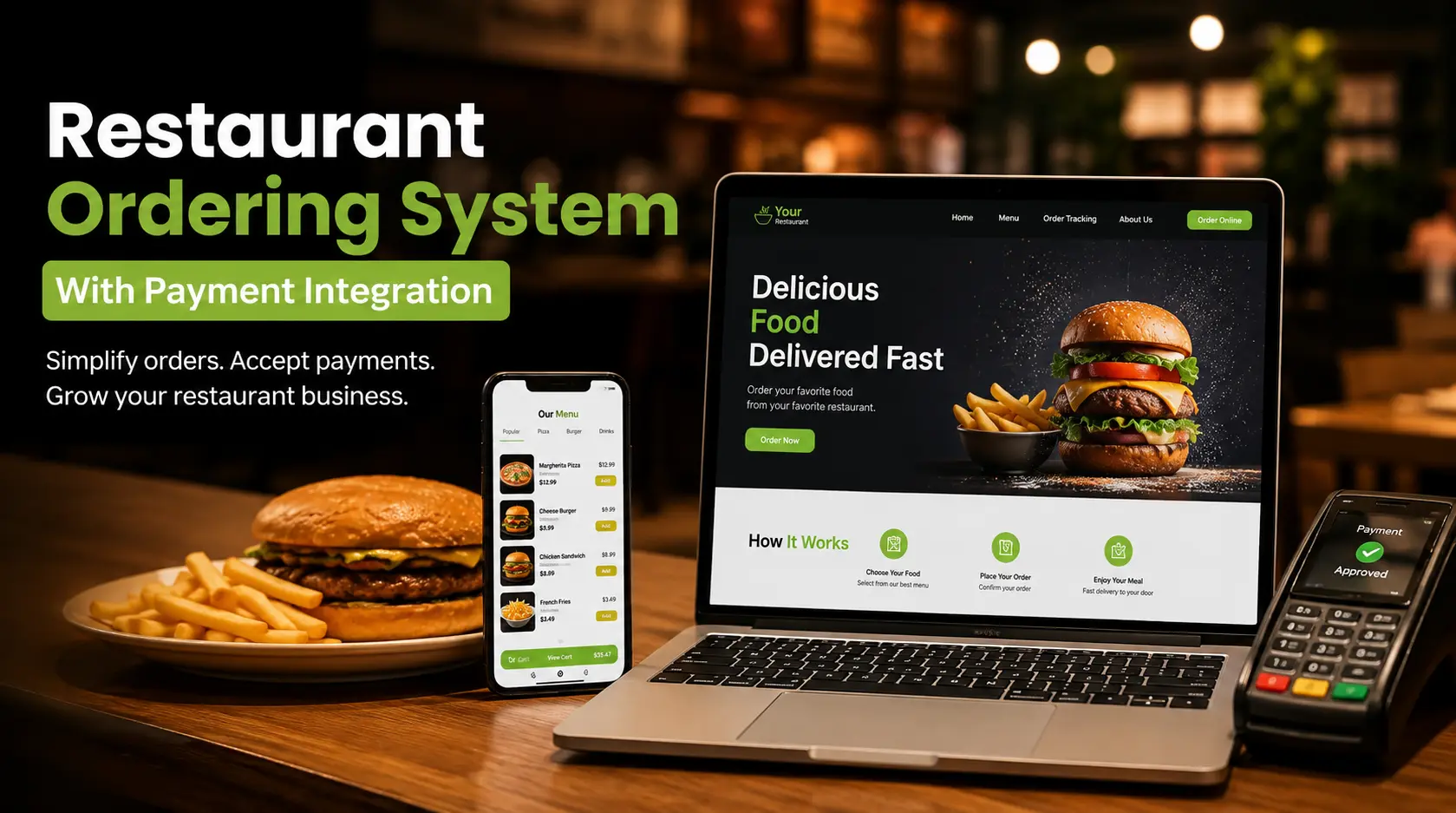
A restaurant ordering system with payment integration lets customers choose their food, place an order, and pay online through one connected process. Instead of taking an order through a website and handling payment separately, restaurants can connect their online menu, checkout, payment processing, and order management into one digital workflow. For restaurants that want more direct online orders, this makes the customer journey easier while giving staff a clearer way to manage incoming orders.
What Is a Restaurant Ordering System With Payment Integration?
A restaurant ordering system with payment integration combines online ordering software with a payment gateway or payment processor.
Customers can:
- Visit the restaurant website.
- Browse the digital menu.
- Select food and modifiers.
- Add items to the cart.
- Choose pickup or delivery.
- Enter payment details.
- Complete the order.
- Receive confirmation.
The restaurant receives the order and payment information through its connected ordering system.
This removes the need to manage an online order through one platform and payment through another disconnected process.
With Own Your Order, restaurants can create a branded website with online ordering and tools for managing incoming orders, menus, and customer interactions.
Why Does Payment Integration Matter for Restaurant Online Ordering?
A customer who reaches checkout is already close to making a purchase.
Payment problems at this stage can turn a ready-to-order customer into an abandoned cart.
A connected payment system helps create a more straightforward path:
Menu → Cart → Checkout → Payment → Order Confirmation
That matters for both the customer and restaurant staff.
Customers get a clear checkout process.
Restaurant staff receive order information through the ordering system.
The business can keep its online ordering process organized rather than relying on separate payment and order-entry workflows.
How Does a Restaurant Ordering System With Payment Integration Work?
The process begins when a customer visits the restaurant’s website.
Step 1: The Customer Opens the Online Menu
The customer views categories, menu items, prices, descriptions, and available options.
A restaurant’s digital menu should be easy to navigate on smartphones as well as desktop computers.
Step 2: The Customer Builds the Order
The customer selects dishes and adds any available modifiers or extras.
For example, a customer ordering a burger may choose:
- Patty type
- Cheese
- Sauce
- Toppings
- Side
- Drink
The ordering system calculates the order total based on the selected items.
Step 3: The Customer Goes to Checkout
The customer reviews the cart before submitting the order.
The checkout should clearly show:
- Ordered items
- Quantity
- Item prices
- Subtotal
- Taxes where applicable
- Delivery charges where applicable
- Discounts where applicable
- Final amount
Clear pricing helps customers understand exactly what they are paying.
Step 4: The Customer Pays Online
The payment integration connects checkout with the restaurant’s supported payment processor or payment gateway.
Depending on the restaurant’s setup and supported payment methods, customers may be able to pay using cards or other available digital payment options.
Step 5: The Restaurant Receives the Order
After successful payment and order submission, the restaurant receives the order through its ordering system.
Staff can then prepare the food for the selected fulfillment method.
Step 6: The Customer Receives Confirmation
An order confirmation tells the customer that the order has been successfully submitted.
This final step gives customers confidence that the restaurant received their order.
What Payment Methods Should a Restaurant Ordering System Support?
The right payment options depend on the restaurant’s market, customers, payment provider, and technology setup.
A restaurant may want to support options such as:
- Credit cards
- Debit cards
- Digital wallets
- Online payment methods
- Contactless payments
- Other locally supported payment methods
The important point is not to add every possible payment option.
Choose payment methods that customers actually use.
A restaurant serving a mobile-first customer base may benefit from digital wallet support, while another business may see most customers paying by card.
How Does Payment Integration Improve the Customer Experience?
Customers want to know three things at checkout:
What am I buying?
How much does it cost?
Did my payment go through?
A connected restaurant ordering system addresses all three.
The customer can review the cart, see the final total, complete payment, and receive confirmation without switching between unrelated systems.
That creates a more predictable ordering experience.
It also reduces the number of steps between deciding what to eat and completing the purchase.
Why Should Restaurants Accept Payments Directly Through Their Website?
A restaurant website with online payment functionality becomes a complete ordering channel.
Customers can discover the restaurant through Google Search, Google Maps, social media, or other marketing channels and then move directly to the restaurant’s own website.
The journey becomes:
Search → Restaurant Website → Menu → Order → Payment
Google Business Profile can support food ordering links that direct customers to online ordering pages, subject to Google’s eligibility requirements and regional availability.
This gives restaurants another opportunity to turn local search traffic into direct orders.
How Does Payment Integration Help Restaurant Staff?
Payment integration is not only about the customer.
It can simplify restaurant operations by connecting payment with the order itself.
Without an integrated workflow, staff may have to:
- Monitor website orders
- Check payment status separately
- Confirm payment manually
- Enter orders into another system
- Contact customers about missing information
A connected ordering system can reduce these unnecessary steps.
When an order is submitted successfully, staff have the information they need to begin processing it.
Can a Restaurant Ordering System Connect With a POS System?
Yes, depending on the ordering platform and the restaurant POS system being used.
A POS integration can connect online orders with the restaurant’s existing operational workflow.
This can help synchronize information such as:
- Menu items
- Prices
- Orders
- Order status
- Payment information
- Sales records
For restaurants processing a large number of orders, integration can reduce manual data entry and the risk of staff entering an online order incorrectly.
The exact integrations available depend on the ordering provider and POS system.
What Is the Difference Between a Payment Gateway and a Payment Processor?
These terms are related but describe different parts of the payment infrastructure.
A payment gateway securely transfers payment information between the customer, merchant, and payment processing system.
A payment processor handles the transaction communication between the merchant, payment networks, and financial institutions involved in approving the payment.
Customers do not need to understand this infrastructure.
They simply need a checkout process that works.
For restaurant owners, understanding the difference helps when evaluating the costs and capabilities of an online payment setup.
How Secure Should Online Restaurant Payments Be?
Payment security should be treated as a core part of restaurant online ordering.
Restaurants handle customer payment information, so the ordering process needs appropriate security measures and a payment provider that follows applicable payment-security requirements.
One important industry standard is the Payment Card Industry Data Security Standard (PCI DSS), which establishes security requirements for organizations involved in handling payment card data.
Restaurants should work with reputable payment providers and follow the security requirements that apply to their specific payment setup.
Does Online Payment Reduce Order Errors?
It can reduce certain types of errors, particularly when the ordering system automatically transfers the customer’s selections and order total into the restaurant’s workflow.
Compare that with a phone order:
Customer: “I’d like two chicken sandwiches, one without cheese, plus fries.”
Employee: Writes the order down.
Employee: Enters it into the POS.
Employee: Calculates the total.
Each additional manual step creates another opportunity for an error.
With online ordering, the customer selects the items and options directly.
The system records those selections and calculates the total based on the configured menu.
That can make the order easier for staff to interpret.
How Does Payment Integration Support Direct Restaurant Ordering?
Direct ordering is about giving customers a way to purchase from the restaurant without making a third-party marketplace the only digital sales channel.
A restaurant website with integrated online payment can support the complete journey.
Customer discovers the restaurant.
↓
Customer visits the restaurant website.
↓
Customer browses the menu.
↓
Customer places an order.
↓
Customer pays online.
↓
Restaurant receives the order.
↓
Restaurant prepares the food.
That gives the restaurant a direct digital ordering channel built around its own brand.
How Can Restaurants Encourage Customers to Pay Through Their Website?
The checkout process needs to be easy, but restaurants can do more than that.
Promote the direct ordering website across the places customers already interact with your brand.
Add an Order Online Button
Place a clear Order Online button on the restaurant website.
Do not make customers search through the navigation menu.
Add Ordering Links to Google
Use your Google Business Profile to make the online ordering destination easy to find when customers search for your restaurant.
Use QR Codes
Put QR codes on menus, receipts, takeout packaging, and promotional materials.
Promote Direct Ordering on Social Media
Use Instagram, Facebook, and other social platforms to direct customers to your online ordering page.
Give Customers a Reason to Order Directly
Restaurants can use loyalty rewards, exclusive offers, meal deals, or other promotions to encourage customers to use the direct channel.
The goal is to make the restaurant website a familiar ordering destination.
Can Payment Integration Help Restaurants Increase Repeat Orders?
Payment integration itself does not automatically create repeat customers.
Here’s the important distinction.
Easy payment removes friction.
Good food creates satisfaction.
Direct ordering creates a channel for future purchases.
Together, these factors can support repeat business.
When customers already know where to order, have an easy checkout process, and receive relevant promotions or loyalty rewards, returning can become much easier.
Own Your Order provides restaurants with tools for direct online ordering and customer relationship development, helping restaurants create a digital channel that extends beyond a single transaction.
How Does Own Your Order Support Restaurant Online Ordering?
Own Your Order provides restaurants with a branded website and online ordering platform designed around direct customer orders.
Restaurants can use the platform for:
- Restaurant website creation
- Online ordering
- Digital menu management
- Order notifications
- Real-time order management
- Customer data
- Promotions
- Direct customer relationships
The result is a restaurant-owned ordering channel where customers can move from the menu to checkout without relying entirely on third-party marketplaces.
Payment capabilities depend on the restaurant’s specific setup and supported integrations, so restaurants should confirm the available payment options and processing arrangements when setting up the system.
What Should Restaurants Consider Before Choosing an Online Payment System?
Do not choose a payment solution based only on whether customers can enter a card number.
Look at the entire ordering operation.
Consider:
Payment Processing Fees
Understand the transaction fees, monthly costs, setup charges, and any other applicable expenses.
Payment Methods
Check whether the system supports the payment methods your customers actually use.
POS Integration
Confirm whether the ordering system works with your existing restaurant POS.
Security
Understand how payment information is handled and what security responsibilities belong to the restaurant.
Refunds
Check how canceled orders and refunds are processed.
Order Management
Make sure successful payments connect properly with incoming orders.
Reporting
Look for useful sales and transaction information that helps you understand your restaurant’s online performance.
Customer Experience
Test the checkout process on a smartphone before launching it.
A payment system that is technically capable but frustrating to use will not help much.
Why Choose Own Your Order for Restaurant Online Ordering?
A restaurant needs more than payment processing.
It needs a complete path from customer discovery to completed order.
Own Your Order combines the restaurant website, online menu, ordering process, and order management into one direct ordering solution.
That allows restaurants to build a digital ordering channel around their own brand rather than making a third-party marketplace the center of their online presence.
For restaurant owners looking to increase direct orders, manage online menus, and create a better ordering experience, a connected system can simplify the process for both customers and staff.
Get Your Restaurant Ready for Direct Online Payments
Customers expect online ordering to be simple.
They should be able to find your menu, choose their food, review the total, pay securely, and receive confirmation without unnecessary steps.
A restaurant ordering system with payment integration brings those stages together.
Own Your Order helps restaurants build a branded online ordering channel with website and restaurant ordering tools designed to support direct customer orders.
Explore Own Your Order and create an online ordering experience built around your restaurant.
FAQs
Can customers save their payment information for future restaurant orders?
Some payment providers and checkout systems support saved payment methods or tokenized payment credentials. Availability depends on the payment processor, ordering platform, customer consent, and the specific checkout configuration.
What happens when an online restaurant payment is declined?
The customer should receive a clear payment error and an opportunity to try another supported payment method. The restaurant should not treat a failed transaction as a confirmed paid order unless its ordering system explicitly confirms successful payment.
Can restaurants accept cash for orders placed through an online ordering system?
Some ordering systems support cash-on-delivery or cash-at-pickup options alongside online payments. The restaurant should configure this according to its operational needs because cash orders require staff to verify and collect payment separately.
Are payment processing fees the same as restaurant delivery commissions?
No. Payment processing fees compensate payment companies for handling transactions, while delivery marketplace commissions generally cover services provided by the marketplace, such as customer acquisition, marketplace technology, and sometimes delivery services. They are separate costs and should be analyzed separately.
Can restaurants issue refunds through an integrated ordering system?
Refund capabilities depend on the restaurant’s payment processor and ordering platform. Before choosing a system, restaurant owners should confirm whether full and partial refunds can be processed through the same dashboard and how quickly refunded funds are returned to customers.
Build a direct ordering channel for your restaurant with Own Your Order.
No comment